I'm Trying OpenClaw!

I find myself with an abundance of free time lately, so I decided to dive into AI much more deeply than I've been able
up to this point. Having just ended a regular 9-5 where I was only allowed access to CoPilot in VisualStudio Code it's
been hard to really experience all the great things going on in this space. So, while I'm in a state of limbo between a potential new
project that will again consume most of my focus, and finally deciding to take back control of my time, I am experimenting with as much
AI tooling as I can.
Starting my Journey
I jumped right in, signing up for a Claude Pro subscription and buying tokens on the Claude Developer Platform. But I am a cheap
bastard when it comes to just trying to understand something. I hate to waste my precious resources just to make mistakes and learn. So I found this
video from Alex Ziskind (If you're not subscribed and following his channel you really should be.) where he covers how to use Claude Code with a locally hosted LLM. I have an M4 Max Mac Studio with 128 GB of unified memory which should be more than powerful enough to run a local model for testing.
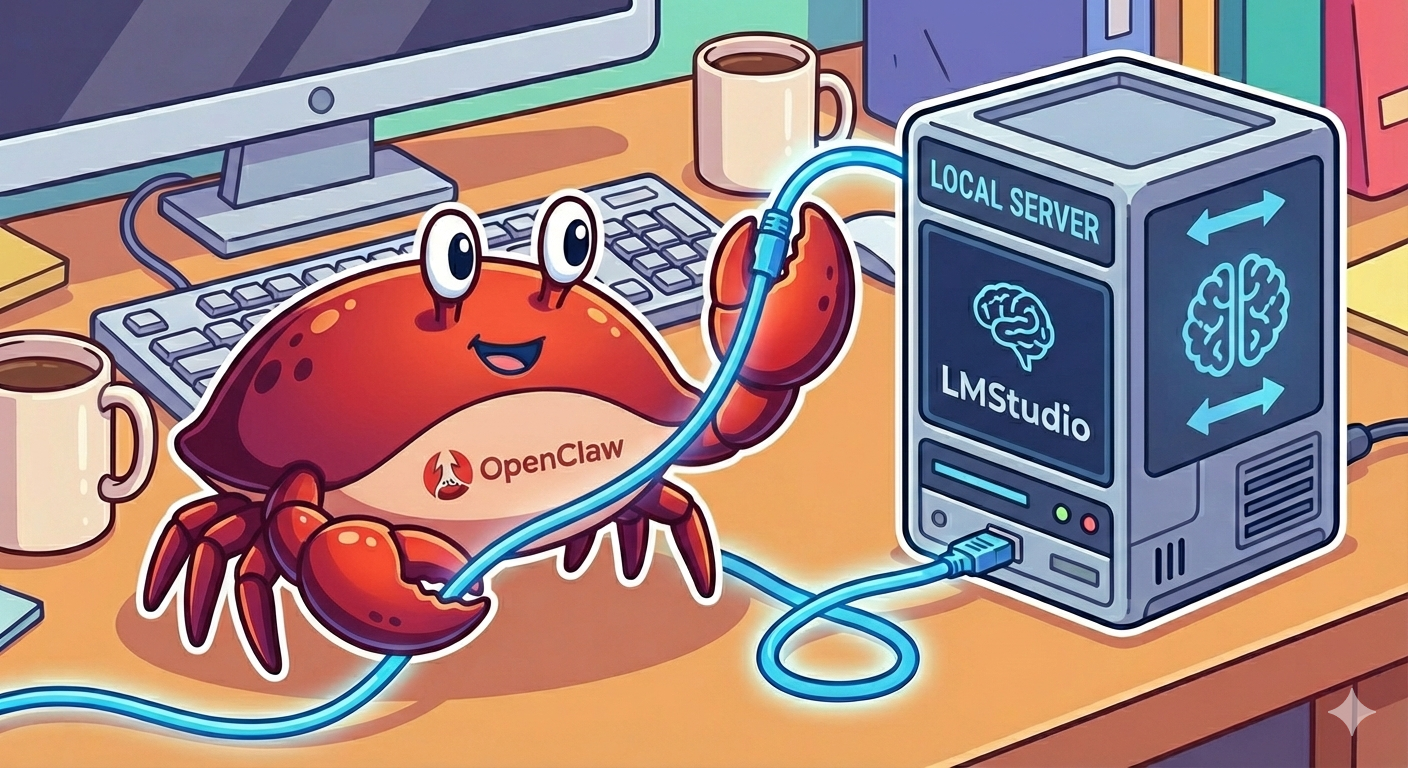
I installed LMStudio and downloaded a couple models, openai/gpt-oss-120b, and qwen/qwen3-coder-next, and followed Alex's video to get Claude Code working with my local model. I won't bore you with the setup process since Alex does a great job in his video and you should just follow him if you want to try it yourself. It works pretty well. I used a combination of the two models with Claude Code to enhance this
blog site. Is it as good as the frontier models? Hell no! but it did allow me to work through several mistakes and restarts to finally get things the
way I wanted them and it didn't cost me a cent.
OpenClaw... Finally
Encourged by my experience with Claude Code and a local model I decided to jump on to the OpenClaw bandwagon. I have an old Lenovo ThinkPad P52 with an Intel Core i7 with 6 cpu cores and 32 GB of RAM. It also has dedicated NVIDIA graphics with 4 GB of VRAM, but that doesn't really matter. I installed Ubuntu 24 LTS, set up a new user under which I installed OpenClaw. The user which runs OpenClaw does not have sudo privileges and cannot run anything as root (super user).
When I went through the install of OpenClaw I basically didn't setup anything, no model, no plugins, no skills, etc. This is probably something I'm paying for now with some of the issues I'm encountering but I didn't want to configure Anthropic from the start. Especially since they've now made it clear that using your Pro subscription with OpenClaw is a violation of the user agreement. Once the OpenClaw install completed obviously, outside of the gateway commands, nothing would work because it had no model connected. I googled, I watched YouTube,
I didn't ready the OpenClaw documentation (big mistake) and I didn't find a definitive - here's how you connect OpenClaw to your local LLM
running in LMStudio....
Editing the openclaw.json FIile
Piecing things together from the various sources, I ended up manually editing the openclaw.json file to add a model provider and models. The config looks like this:
"models": {
    "providers": {
      "lmstudio": {
        "baseUrl": "http://<ip address of host running LMStudio>:1234/v1",
        "apiKey": "none",
        "auth": "api-key",
        "api": "openai-completions",
        "models": [
          {
            "id": "qwen/qwen3-coder-next",
            "name": "qwen-coder3",
            "api": "openai-completions",
            "reasoning": false,
            "input": [
              "text"
            ],
            "cost": {
              "input": 0,
              "output": 0,
              "cacheRead": 0,
              "cacheWrite": 0
            },
            "contextWindow": 262144,
            "maxTokens": 262144,
            "compat": {
              "maxTokensField": "max_tokens"
            }
          }
        ]
      }
    }
}
Once I save the json file and restarted the gateway I was able to chat with my OpenClaw agent in the OpenClaw Gateway Dashboard. OpenClaw is working with my local LLM in LMStudio not costing me anything and not violating any user agreements I made without reading.
What Have I Done with OpenClaw
Once I had a working model connection I started with naming my agent Bert and began working with him to setup an automation to help DaiSY (see the about DaiSY page to understand who she is) write posts for this blog. The idea was that every morning Bert would help DaiSY create a blog post about a hot technology topic from the day before. The draft would be created and stored for me to edit before it gets posted to the live blog. I wanted Bert to send me an email each morning once the draft was ready but he said he didn't know how to send email and offered to help get it sorted. The suggestions he made seemed much more complex than they should be to simply send an email so I decided to put that on the back-burner and just see if the automation would work correctly. Remeber I'm doing all of this is chat session with Bert working connected to a locally hosted model.
Alas, this morning there was no draft from DaiSY. I asked Bert what happened and he told me there was no cron job scheduled to execute the task. That's strange since I specifically asked him if it was setup before I walked away for the day. Anyway, after several more prompts back and forth today I think we actually have the job setup correctly and I've asked Bert to verify it several times.
While we wait for another draft tomorrow I decided to try and address this email issue. I'm sure there are plenty of ways to send email with OpenClaw agents but I didn't want to signup for any new accounts or services or install a bunch of other tools for such a simple task. I initially asked Bert to help me setup a plugin that would just send email via a configurable SMTP server with authentication. He did set up a plugin but it was nowhere near working. When I asked him about it he said "...well you know this type of task is tyipically handled by a skill. Would you like me to scaffold it for you?" Of course I said yes, and Bert asked me who the provider would be (gmail) and if I had an app token, or needed help getting one. I already had an app token from a previous attemt to get email working so we were good to go. Bert didn't just scaffold the skill he essentially created a functioning capability. Once I stored credentials in a creds file, Bert could send emails.
I asked Bert to update DaiSY's workflow to send me an email when the draft is completed and he did. Now we'll see if everything works tomorrow morning.
What Problems am I Having
There has been a lot of trial and error to get this far. I'm not sure Bert's memory is working the way it should be. For example I told him to always use the email skill to send me emails and he forgot that the credentials were stored in a file and asked me for them again. I had to specifically tell him to remember the creds file and it's now in the MEMORY.md file. I'm sure most of the issues are my fault one way or another. I really did a bad job on the initial setup, I'm not using the most powerful models, and I am really not good at prompting Bert just yet.
OpenClaw is built to interact via channels (Telegram, WhatsApp, iMessage, etc.). I don't have any setup and sometimes Bert gets confused and
thinks he needs a channel to send email for example.
That said, it's easy to see why OpenClaw has caught on so quickly. It sure is addictive to see things get done with simple prompts and every
little success keeps you coming back for more!
What's Next
Several things I want to try next with Bert including: Setting up the ability to use voice prompts, Getting a Slack channel working, Connecting with a real frontier model. Just to name a few.